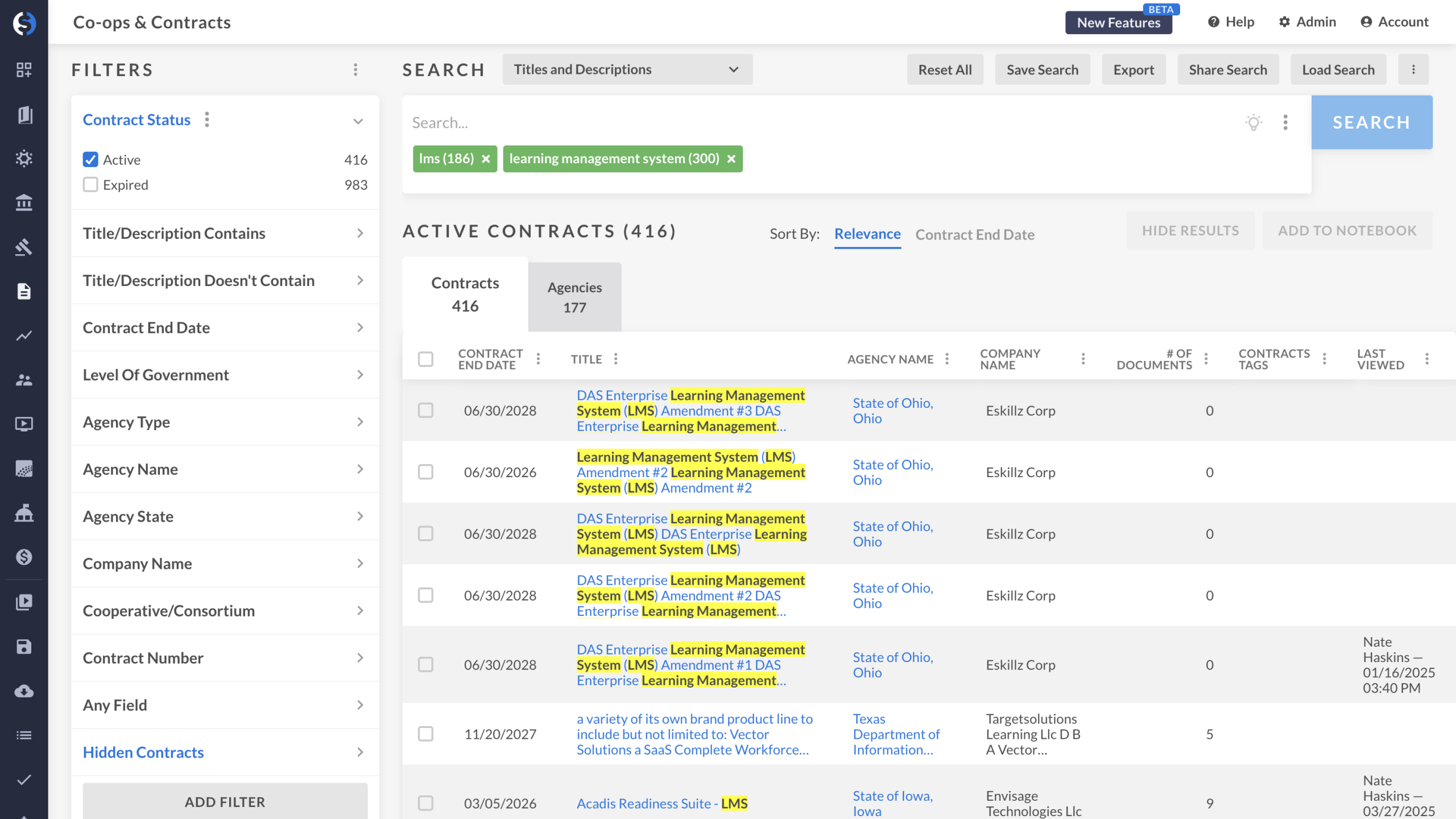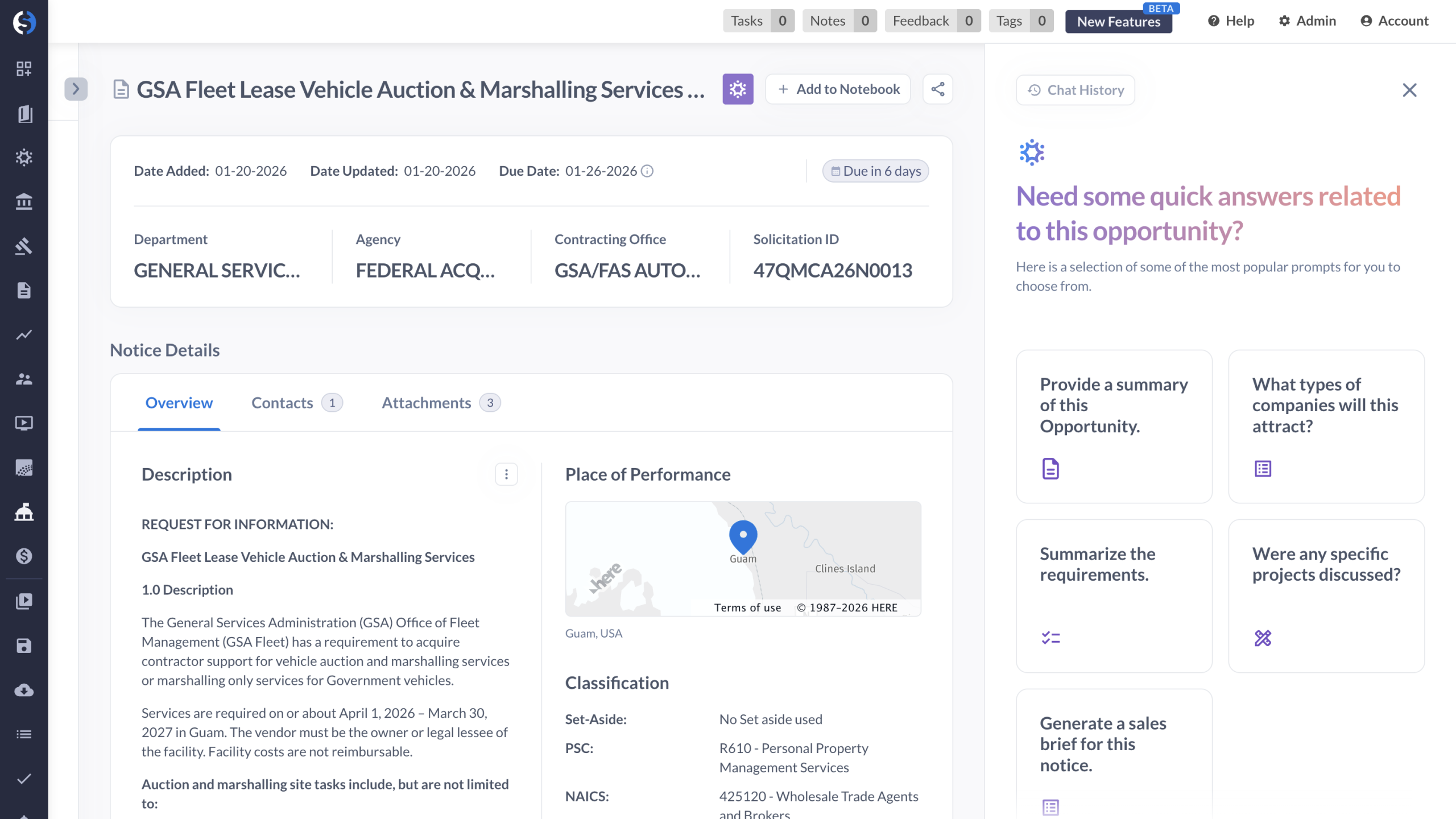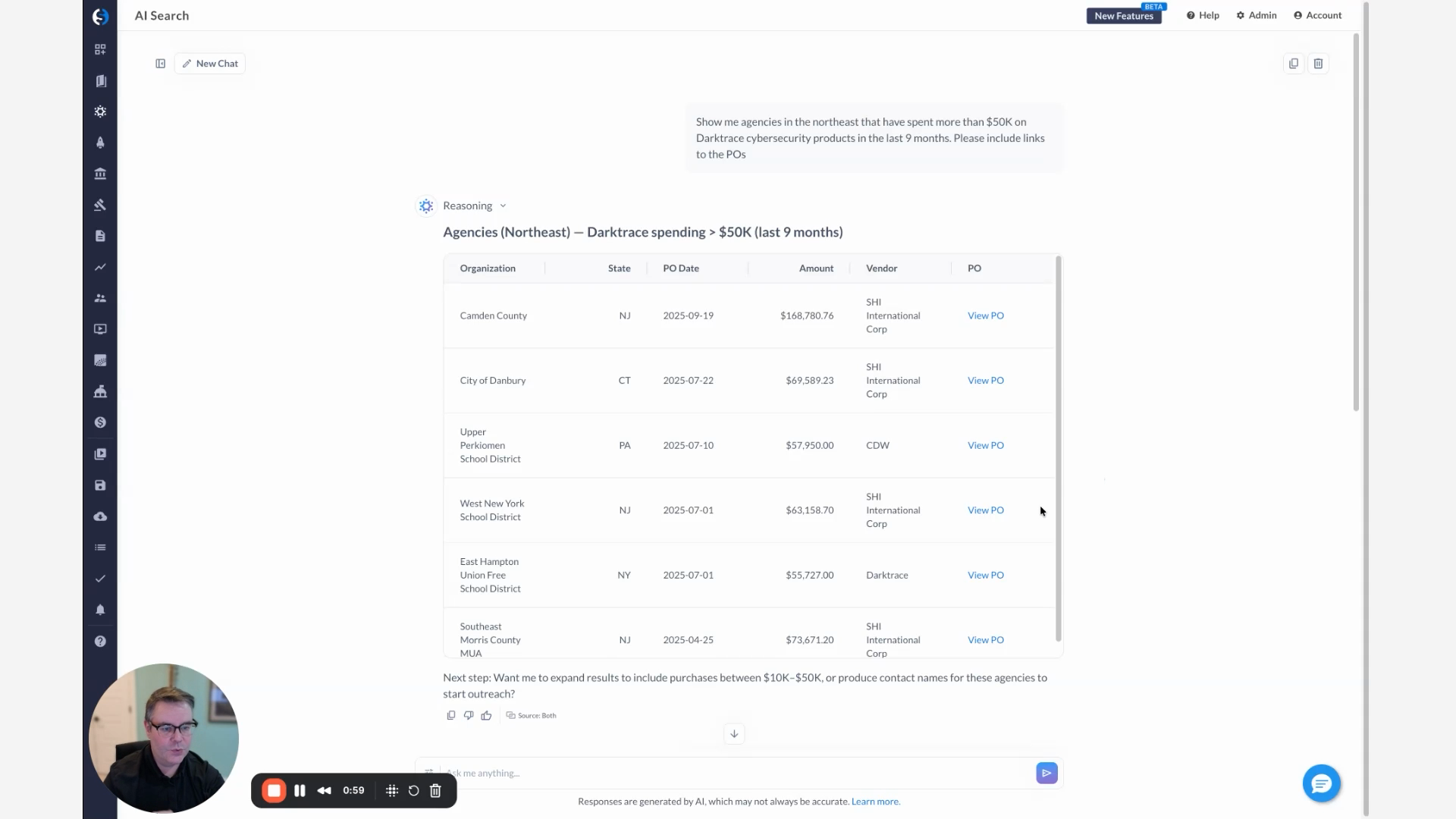
Hey, everyone. Bradley from GovSpend here. And today, wanna give you a demo of how you can use our Slack app to get some quick sales and tell before a meeting. So I know we've all been there before. We're sitting in the lobby. We're about ready to go to go into a meeting. Suddenly, hits you that you've totally forgotten to do all of your competitive research. Well, luckily, you've got GovSpend Slack app on your phone, which lets you punch in questions in plain English and get answers directly from our public sector intelligence database. No need to log in. No need to deal with any, you know, complicated searches. Just plain text queries and answers right right on your phone. So let's say that I'm about to meet with the CIO for the city of Austin, and I need to figure out who their incumbent is for cybersecurity software or incumbents. I'm just gonna pop into my Slack app over here and type in, show me any active contracts for cybersecurity products for the city of Austin, Texas. Cool. So while that's running, quickly, I can explain to you how this is working. So we've built an MCP server, which essentially lets third party applications like Slack or like Microsoft Teams connect directly to GovSpend's database and utilize an agent to actually go and run searches and then return, return those results. So in this case, I can just type in, you know, plain text question. It pushes through to the agent on the GovSpend side. We run the search in the background, return the results, and then it gets passed back through into Slack. Then you can also do some, you know, follow-up questions and interact with it the same way you would another LLM. So very, very similar to how our AI search works, which you can see in the background. So let's see what it came back with. So here we go. I've got active cybersecurity contracts for the city of Austin. This is great, and this is actually the one that I wanted to to focus on, and it actually expires in February of next year. So perfect. So I'm actually gonna follow-up and say, can you give me a summary of the feeble contracts? So not only can you type in a search and get back, you know, GovSpend records, you can also ask it follow-up questions, and it can do things like look at the entirety of the contract, give you a summary of it, pull out the pull out sort of the key information that you might need. If that contract has documents attached to it, it can search those documents as well and give you any relevant or related context. And it's all working the same way using the, using the agent that we've built and, hitting GovSpend's data directly. So here I got the results back. So I've got, you know, contract number, vendor, agency, expiration date. Great. Amounts. Looks like it doesn't have any documents on this one. And it also gives me some key contacts, so including the the contact at the at the agency. So I'm actually gonna be meeting with the agency directly, so that's great. But just say I wasn't, you know, sitting right in front of the the lobby, it gives me some follow-up suggestions. I could continue to ask further questions. I could go get some additional contact information. I could have it draft an email for me. So a lot of things you can do with this the same way that you might use any other LLM. So really excited about this. Definitely reach out if you'd like to learn a bit more. Quick and easy way to to grab data from GovSpend, especially if you're on the road or on the go. So let us know what you think, and look forward to talking to you soon. Thanks a lot.
Watch how GovSpend’s Slack app delivers real-time, AI-driven insights right from your phone, turning plain-English questions into instant answers from the world’s most comprehensive public sector intelligence database. This demo shows how sales teams can uncover active contracts, incumbents, key contacts, and summaries—plus ask follow-up questions or even draft outreach—without logging in or running complex searches, making last-minute meeting prep fast, easy, and actionable.